# Web dependency locator
This document shows how static resources can be served from web dependency jars like [WebJars](https://www.webjars.org) and [mvnpm](https://mvnpm.org).
## Using the `quarkus-web-dependency-locator` extension
**pom.xml**
```xml
io.quarkus
quarkus-web-dependency-locator
```
**build.gradle**
```gradle
implementation("io.quarkus:quarkus-web-dependency-locator")
```
### WebJars
If you are using [WebJars](https://www.webjars.org), like the following JQuery one:
**pom.xml**
```xml
org.webjars
jquery
3.1.1
```
**build.gradle**
```gradle
implementation("org.webjars:jquery:3.1.1")
```
you can reference the files in the jar from your HTML, example `/webjars/jquery/3.1.1/jquery.min.js`.
The above is available by default, however, adding the `quarkus-web-dependency-locator` extension allows you to reference the files without having to include the version in the path, example `/webjars/jquery/jquery.min.js`.
### Mvnpm
If you are using [mvnpm](https://mvnpm.org), like the following Lit one:
**pom.xml**
```xml
org.mvnpm
lit
3.1.2
```
**build.gradle**
```gradle
implementation("org.mvnpm:lit:3.1.2")
```
you can reference the files in the jar from your HTML, example `/_static/lit/3.1.2/index.js`.
The above is available by default, however, adding the `quarkus-web-dependency-locator` extension allows you to reference the files without having to include the version in the path, example `/_static/lit/index.js`.
#### ImportMaps
Mvnpm jars also allows you to use an [importmap](https://developer.mozilla.org/en-US/docs/Web/HTML/Element/script/type/importmap), that will allow you to just use module imports, example `import { LitElement, html, css} from 'lit';`.
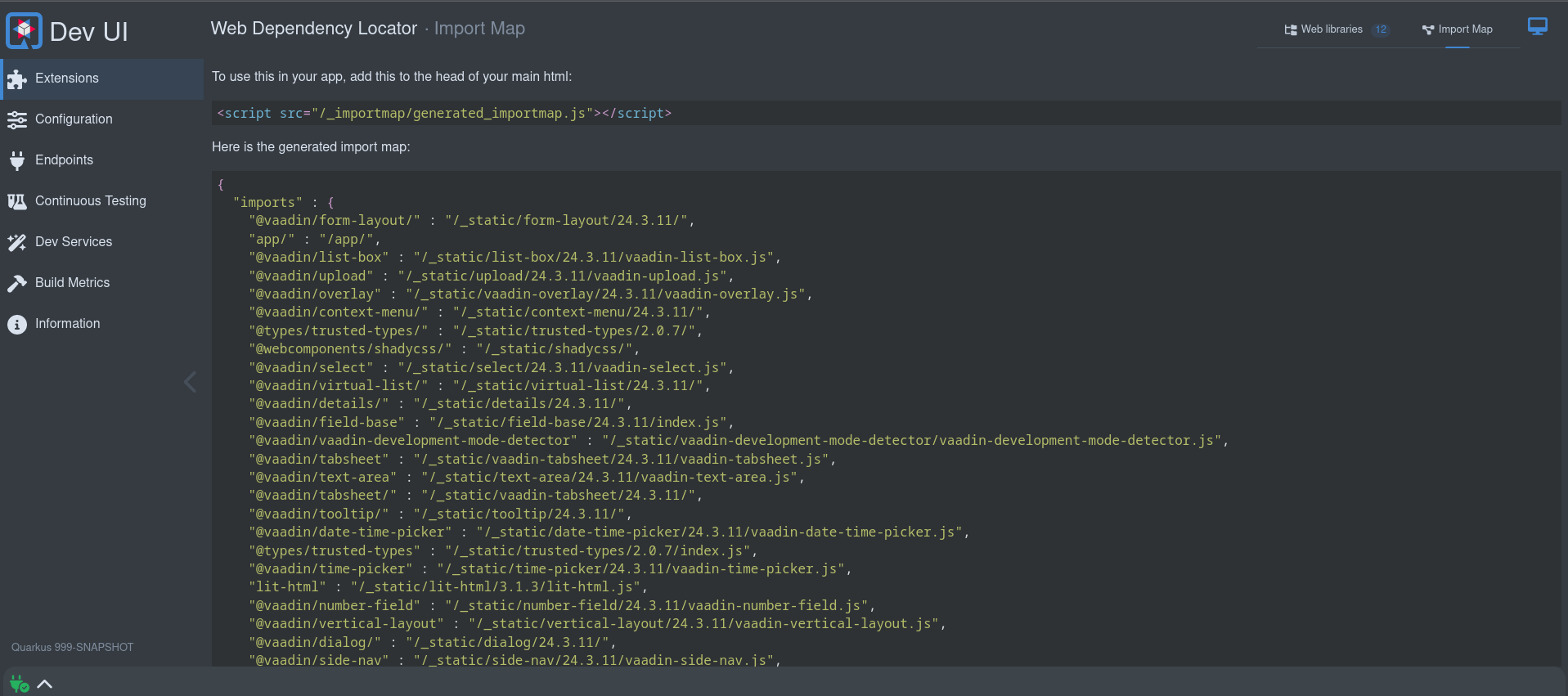
The importmap is generated by the `quarkus-web-dependency-locator` extension, and available at `/_importmap/generated_importmap.js`. This means adding the following to your `index.html` will allow you to import web libraries by name:
```html
My app
<1>
```
1. Use the generated importmap
2. Import web libraries
3. Import your own files, this can be done by adding `quarkus.web-dependency-locator.import-mappings.app/ = /app/` to the config. Any key-value pair can be added.
##### Automatic imports
You can also automate the imports above. To do this, move your web assets from `src/main/resources/META-INF/resources` to `src/main/resources/web` and now replace the above scripts and imports with `{#bundle /}`:
```html
My app
{#bundle /} <1>
```
1. This will be replaced at build time with the importmap script, and also include any CSS and JavaScript discovered in the `/app` directory.
This allows you to add libraries, js and css without having to change your HTML. Hot-reload is also supported.
### Dev UI
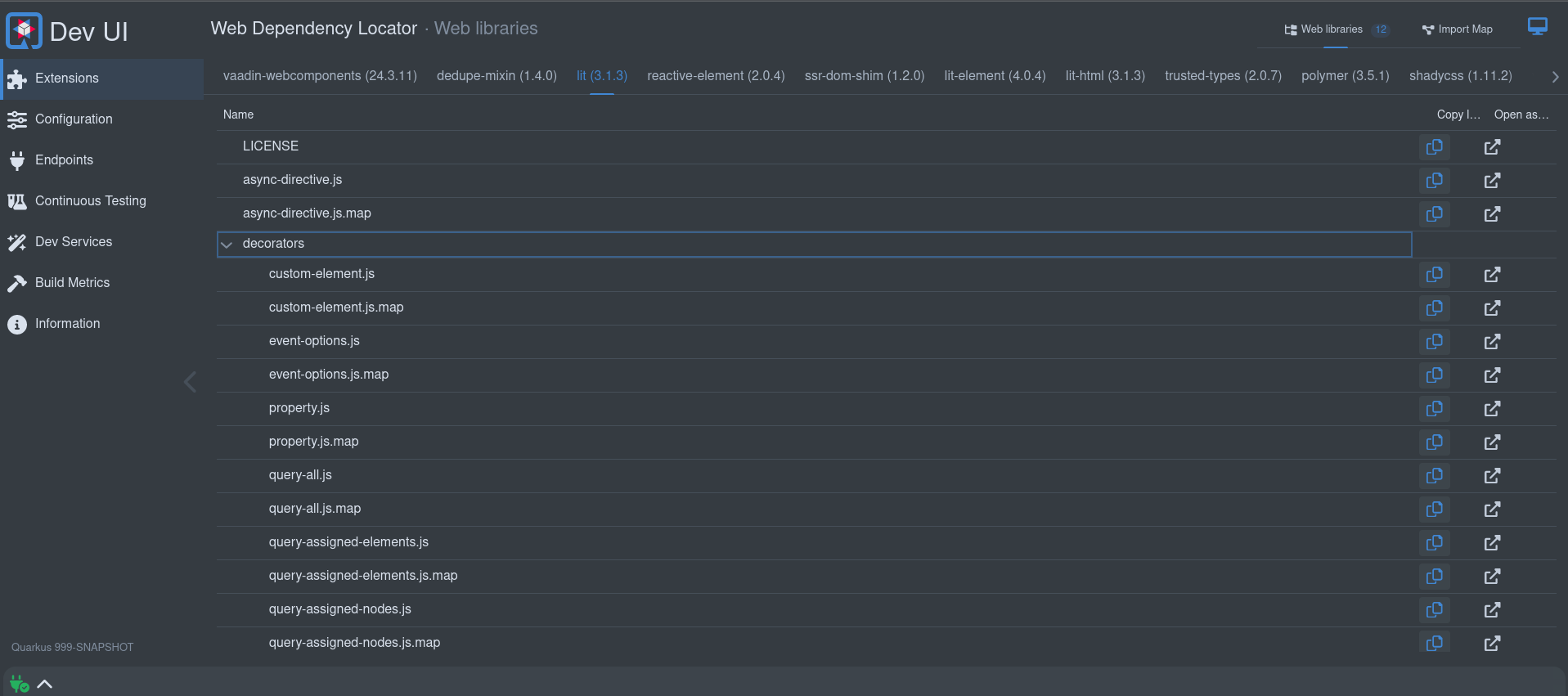
When adding the `quarkus-web-dependency-locator` extension , you can see the files being served, and the generated importmap, in the Dev UI: